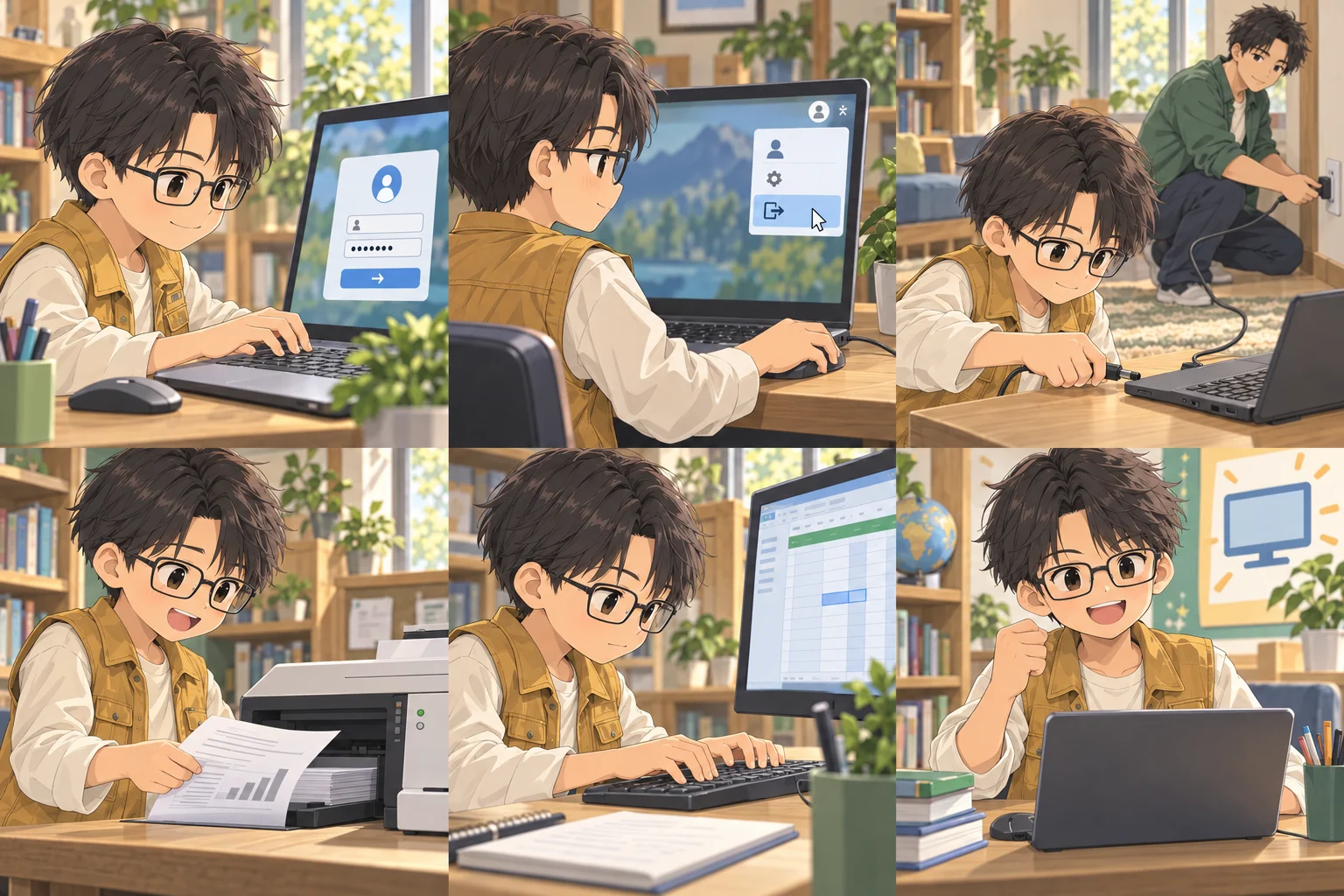
Duy plugs a low-voltage charger connector into his laptop. Minh handles the wall socket farther away.
plug in
The battery is low. Plug in the charger.
Read the example again
The battery is low. Plug in the charger.
These speakers are not connected. Can you plug them in?
Read the example again
These speakers are not connected. Can you plug them in?
View meaning & usage
Plug in / connect using the plug
plug in somethingplug something inplug it in
Middle pronoun: “plug it in”. A phrase that describes connecting a device using a plug.
Haven't studied yet
Duy took the printed document from the printer on the table.
print out
Please print out one copy of the schedule.
Read the example again
Please print out one copy of the schedule.
I will print it out before the meeting.
Read the example again
I will print it out before the meeting.
View meaning & usage
Print on paper
print out somethingprint something outprint it out
“Print out” emphasizes creating paper copies from electronic documents.
Haven't studied yet
Duy typed the code into the keyboard and looked at the information panel on the screen.
key in
Key in the code shown on your ticket.
Read the example again
Key in the code shown on your ticket.
I keyed in the address twice to check it.
Read the example again
I keyed in the address twice to check it.
View meaning & usage
Enter data using the keyboard
key in somethingkey something inkey it in
Often used with codes, numbers, or data entered using the keyboard.
Haven't studied yet
The examples were written for this course. Usage was checked against Matt Errey’s book, pages 80, 80, 98, 99, 72. A2–B1 is the course’s intended level.
Recall it · Use it
One step forward every day
Practice completed!
Your browser could not save your play history. Results from this session may be lost when you close the page.
Sentences using suggestions are counted as needing more practice. Review schedule based on each phrase's meaning.
Drag a wire from the dot beside a phrase to the dot beside its matching picture. You can also tap a phrase, then a picture. Drag again to change a pair before checking.
Read the picture descriptions for more context. Similar expressions are accepted when they fit the particular scene.
Phrases
Actions in the pictures
Picture description
Duy entered his account name and password to access the computer.
The picture could not load. Try loading it again before matching.
Picture description
Duy chose to log out before leaving the shared computer.
The picture could not load. Try loading it again before matching.
Picture description
Duy plugs a low-voltage charger connector into his laptop. Minh handles the wall socket farther away.
The picture could not load. Try loading it again before matching.
Picture description
Duy took the printed document from the printer on the table.
The picture could not load. Try loading it again before matching.
Picture description
Duy typed the code into the keyboard and looked at the information panel on the screen.
The picture could not load. Try loading it again before matching.
Choose a phrase to begin.
Your browser could not save your play history. Results from this session may be lost when you close the page.
A conversation in context
Read the conversation and find the expressions you have learned.
Mai
Please log in to print your ticket.
Read the example again
Please log in to print your ticket.
Alex
I have keyed in my password. Where is the printer?
Read the example again
I have keyed in my password. Where is the printer?
Mai
Beside the desk. Print the ticket out, then log out.
Read the example again
Beside the desk. Print the ticket out, then log out.
Compare the uses
log in / log out
“Log in” starts access to an account; “log out” ends that session. Closing a window does not always mean you have logged out.
Practice and check your answers
Try answering before revealing the suggested answer. This practice is not scored.
The answers below are models. Other answers can also work if they preserve the facts, meaning and structure requested in the task.
A situation to apply what you have learned
You use a public computer for a museum ticket. The next visitor will use the same machine.
What account action should come last?
Show the answer and explanation
Log out before leaving the computer.
After using the shared computer, log out to end the session; printing the ticket does not end it.
Replace “the ticket” with “it”: Print the ticket out.
Show the answer and explanation
Print it out.
Replacing “the ticket” with “it” changes “print the ticket out” to “print it out”.
Give a short safe sequence for using the account.
Show the answer and explanation
Log in, print your ticket, then log out.
Starting the session, printing the ticket and then ending the session prevents the next visitor continuing in your account.
The usage comparisons are checked against the Cambridge Dictionary entries linked beside the compared expressions. The additional conversations and exercises are written for this course.
Progress is saved on the device. Sign in with Google to save with the same account and continue on another device.